
Home / Guides / Digital photo frames
Best digital photo frames: 1 to buy, 1 cheap, 1 to skip
Buy the Aura Aspen: its sharp 12-inch screen is the same shape as phone photos, and family can add unlimited photos for free. For less, the Aura Carver has the same free app on a 10-inch screen; skip the Nixplay Classic 10.1″, whose free plan holds only 500 MB.

We earn a commission if you buy through links on this page, at no extra cost to you. It never changes our picks, or which product we tell you to skip. As an Amazon Associate I earn from qualifying purchases.
The short answer
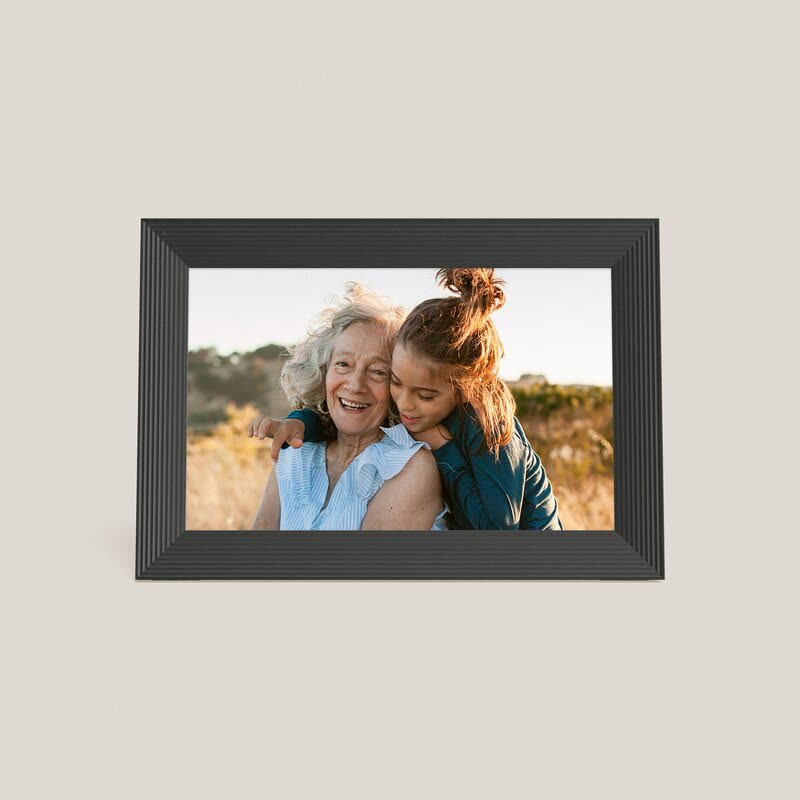
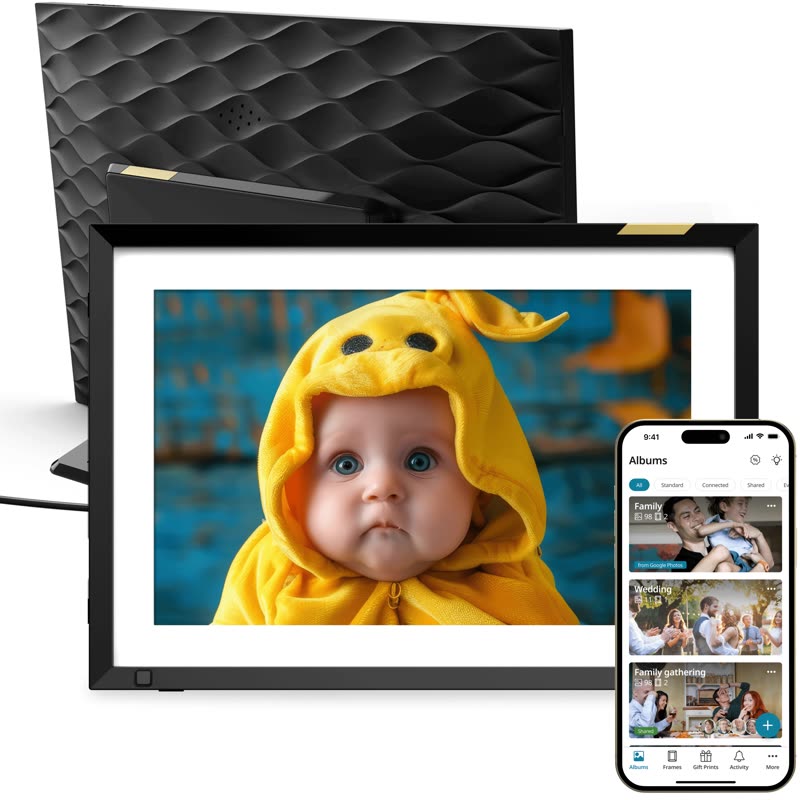
Nixplay Classic 10.1″
Skip: free plan holds 500 MB
- Researched
- Free plan: 500 MB of photo storage
- Unlimited costs $29.99 / £29.99 a year
$189.99/£179.99Nixplay US & UK stores, checked 5 Nov 2026
What matters
Check what happens to the photos. Most Wi-Fi frames let family send pictures from their phones, but some cap free storage and charge a yearly fee for more. Then look at the screen size and shape.
No subscriptionUnlimited photos for free. Both Aura frames.
Free plan with a capPay yearly for more space. Nixplay: 500 MB free.
4:3 screenSame shape as phone photos, so less is cropped.
More on what matters
Wi-Fi frames make good gifts for grandparents: you can load photos before it arrives, and family keep adding new ones from anywhere. The person receiving it only needs to connect it to their Wi-Fi once.
Compare the picks
| Verdict | Model | Screen | Photo storage | Shape | Price | How judged |
|---|---|---|---|---|---|---|
| PICK | Aura Aspen | 11.8″, 1600 × 1200 | Unlimited, free | Portrait or landscape | $229 / £219 | Researched |
| BUDGET | Aura Carver | 10.1″, 1280 × 800 | Unlimited, free | Landscape only | $149 / £149 | Researched |
| SKIP | Nixplay Classic 10.1″ | 10.1″, 1280 × 800 | 500 MB free; unlimited $29.99 / £29.99 a year | Touch screen | $189.99 / £179.99 | Researched |
Specs from each maker's published spec sheet; see Sources. Prices checked 5 Nov 2026 and change often.
Our verdicts
PICK
Aura Aspen
ResearchedA big, sharp screen shaped like phone photos, with free unlimited photo sharing for the whole family.
Why it’s good
- 4:3 screen, the same shape as phone photos, so less gets cropped
- Stands upright or sideways; family add photos from the free Aura app, iCloud or Google Photos
Watch out for
- Costs about $80 / £70 more than the Carver
- Needs Wi-Fi to receive new photos
BUDGET
Aura Carver
ResearchedAura’s best-selling frame gives you the same free, unlimited photo sharing for $80 / £70 less.
Why it’s good
- Same no-subscription Aura app, with unlimited photos and videos
- A built-in speaker plays videos with sound
You give up
- A smaller, lower-resolution screen that only sits landscape
- Works on 2.4 GHz Wi-Fi only
SKIP
Nixplay Classic 10.1″
ResearchedNixplay is one of the best-known frame brands, but its free plan only gives 500 MB of photo storage. For unlimited photos, Nixplay Plus costs $29.99 / £29.99 a year. The Classic 10.1″ costs $189.99 / £179.99 with the same 1280 × 800 resolution as the Aura Carver, which costs less and stores unlimited photos for free.
How we chose
Show how we chose
We compared six digital photo frames from Aura, Nixplay and Pix-Star, and only ranked models we could check on the maker’s own US and UK stores. Pix-Star doesn’t sell through a UK store we could check, so we didn’t rank it. We weighed ongoing costs (subscriptions and storage limits) first, then the screen and price.
Tested means we used it ourselves. Researched means we judged it from specs, independent tests, safety rules and owner reports, without using it. We never mark a researched pick as tested.
Questions
Can I set it up before I give it as a present?
Yes. Aura and Nixplay both say you can add photos before the frame arrives. The person you give it to connects it to their Wi-Fi once.
Does a digital photo frame need Wi-Fi?
These do, to receive new photos. The Aura Carver works on 2.4 GHz Wi-Fi; the Aspen works on 2.4 or 5 GHz.
Does it work with iPhone and Android?
Yes. Aura says its frames work with iOS and Android, and family can add photos from the Aura app, iCloud or Google Photos.
Sources
Show the sources
- Aura: Aspen (US), accessed 5 Nov 2026
- Aura: Aspen (UK), accessed 5 Nov 2026
- Aura: Carver (US), accessed 5 Nov 2026
- Aura: Carver (UK), accessed 5 Nov 2026
- Nixplay: Classic 10.1″ (US), accessed 5 Nov 2026
- Nixplay: Classic 10.1″ (UK), accessed 5 Nov 2026
- Nixplay: plans (Free and Plus), accessed 5 Nov 2026
Connecting guides
The weekly deals email
Price drops on gadgets we'd actually recommend, once a week.
One email a week. Unsubscribe any time. Privacy